



Press Play above to load Dashmetry in your browser with no download. Browse Main, Featured, or Trending charts, or start a Classic official stage matched to your skill tier.
What's Dashmetry game?
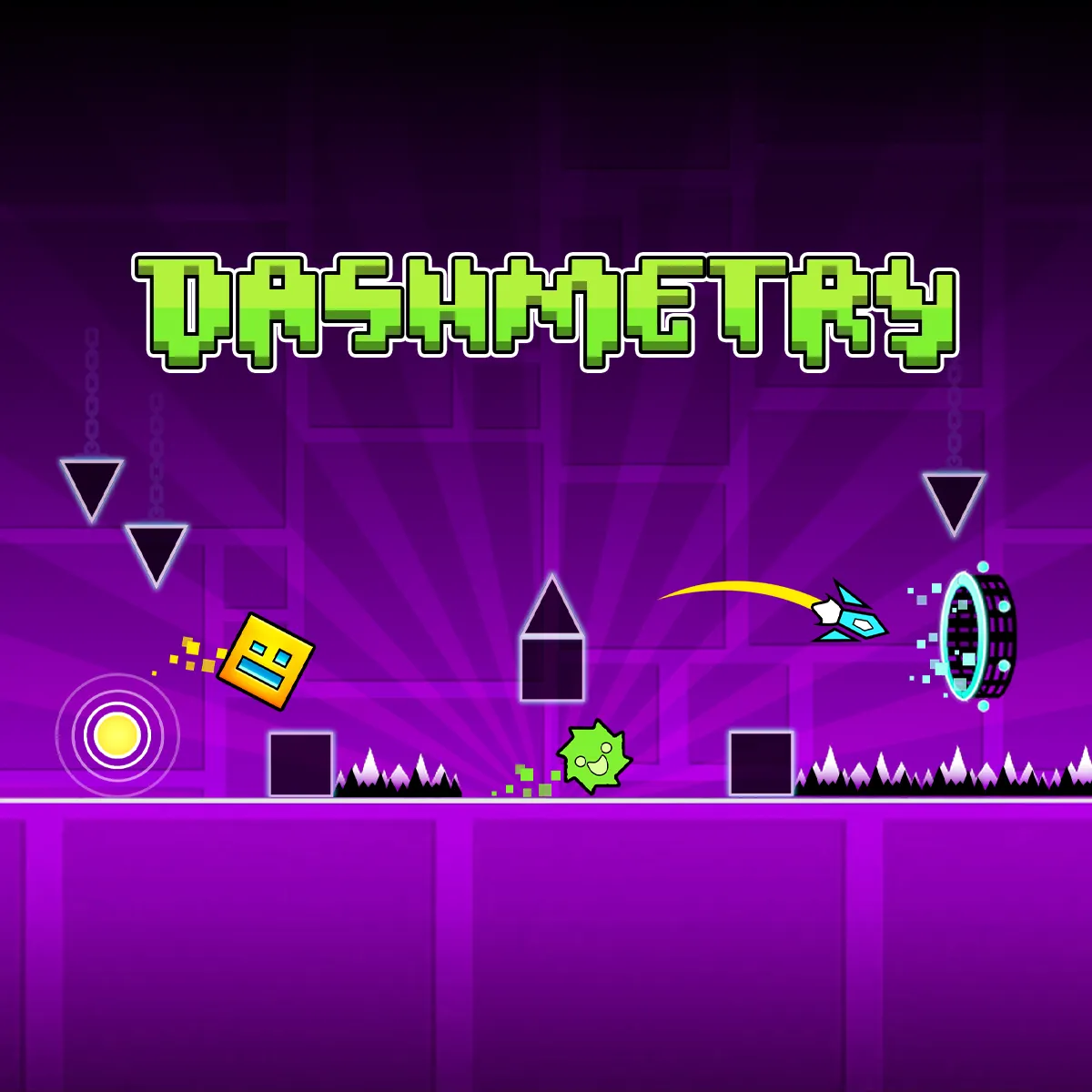
Dashmetry is a browser rhythm platformer that treats every stage like a song you have to survive. Your icon auto runs through spike fields, gear teeth, narrow corridors, and sudden slope drops while the soundtrack sets the pace. Miss the beat and you restart. Nail the timing and you earn mana orbs, unlock cosmetics, and climb community charts with maps that never really stop updating.
Unlike a tiny spin off with only a handful of fixed songs, Dashmetry mixes official routes with player built levels, editor tools, and sorted online folders so there is always a new chart to chase. Portals swap your icon between cube hops, ship flight, wave zigzags, spider crawls, and other classic dash forms mid run. Each shape changes how input feels, which keeps long sessions from turning into one repetitive jump loop.
Launch Dashmetry on spacewaves2.net with no install. The main menu opens online levels, creator mode, icon customization, and profile saves when you choose to log in.
Classic runs, endless pressure, and race duels
Three mode families cover different moods.
- Classic: Structured official style stages with named difficulty, fixed music, and rhythm locked trap placement.
- Endless: Procedural style survival where speed and hazard density climb the longer you stay alive.
- Race: Head to head clears where reaching the finish before rivals matters as much as personal perfection.
Online level browsing is the heart of daily play. Jump into curated main stages, then pivot to community maps when you want stranger jumps and louder soundtrack choices.
Online folders from Featured to Favorites
The level browser sorts content so you are not scrolling blind.
- Main Levels: Official and exclusive Dashmetry routes built to teach mechanics step by step.
- Featured: Hand picked charts praised for sync, style, or clever trap design.
- Popular and Trending: Charts with heavy play volume or rapid recent growth.
- Recents: Your last opened stages for quick retry after a near clear.
- Favorites: Personal bookmarks for maps you want to grind later.
Popular and Trending lists refresh on daily, weekly, and monthly cycles, so returning players always see new heat on the board.
Easy to Demon difficulty spread
Stages carry familiar dash tier labels from Easy through Demon. Easy and Normal maps teach portal timing and basic spike spacing. Hard and Harder routes compress reaction windows. Insane and Demon charts assume you already speak the language of hold releases, tight ship corridors, and wave tunnel threading.
Pick difficulty honestly. A Demon chart on day one mostly teaches frustration. Clearing a Normal map cleanly builds the rhythm sense Demon stages later demand.
Portals and multi form movement
Dashmetry keeps the form swapping identity of classic dash platformers. Cube sections want tap jumps on beat. Ship sections need hold to rise and release to fall through spike mazes. Wave mode slides along diagonal lanes with constant direction taps. Spider forms crawl across surfaces with inverted gravity moments.
Portals announce most swaps with color and shape cues. Still, slow down for half a second after each change so your hands adapt before the next trap cluster arrives.
Level editor, music library, and BPM tools
Creator mode is a full sandbox, not a toy. Open the editor from the main menu, name your stage, set difficulty, pick a mode, then place blocks, gears, monsters, slopes, and portals from the standard entity set.
The music library lets you choose tracks or upload songs when logged in. BPM tools help align obstacle pulses to the beat so player jumps feel fair instead of random. Test play, tweak flow, save manually, and publish for votes and chart placement. Community feedback turns decent drafts into maps other players favorite and replay.
Profiles, icon kits, and mana orbs
Logging in enables cloud saves so medals, skins, and progress survive between devices. The icon kit store swaps colors, trails, and character flair so repeated runs look personal even when the spike patterns are cruelly familiar.
Clearing stages awards mana orbs that feed unlock progression across cosmetics and advanced browsing perks. The loop is simple: play, fail, learn the beat, clear, customize, then chase a harder chart.
One button timing that scales with form
Core input stays unified.
- Left click, Spacebar, or the up arrow all trigger the same action for the active form.
- Hold on ship sections, tap rapidly for wave lanes, click on cube hops.
- On mobile, tap or hold the screen where the embed maps touch to jump or fly.
Pick one desktop key and stay with it. Muscle memory across hundreds of restarts matters more than switching inputs mid grind.
Staying sharp across long grind nights
- Learn a chart in Practice style segments before chasing a full clear on Demon rated maps.
- Follow the audio downbeat when visuals get busy with glow effects.
- Bookmark brutal maps in Favorites instead of losing them in Recents clutter.
- Take short breaks after tilt sets. Dashmetry punishes tired reflexes faster than calm ones.
More rhythm geometry on spacewaves2.net
Dashmetry is the community chart and editor hub. For tighter fixed campaigns elsewhere on the site, try these:
- Dashmetry Winter for a frost themed Classic and Endless split with diamond rewards.
- Geometry Dash SubZero for three winter spin off songs with Practice checkpoints.
- Geometry Arrow 2 for six flight maps with arrow and wheel characters.
- Geometry Games and Wave Games for the full directories.
How to Play Dashmetry
1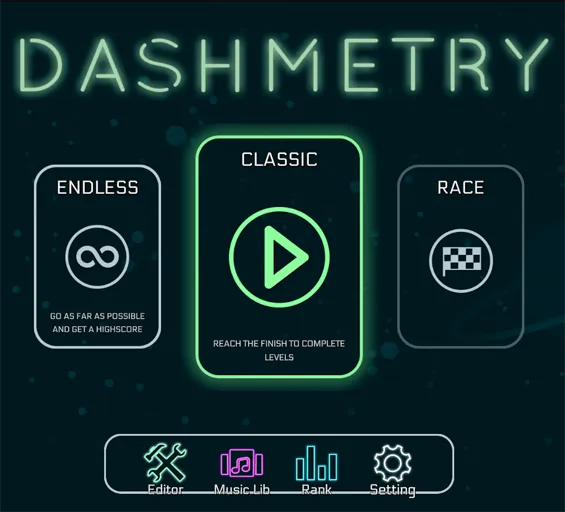
Open online levels or Classic mode
2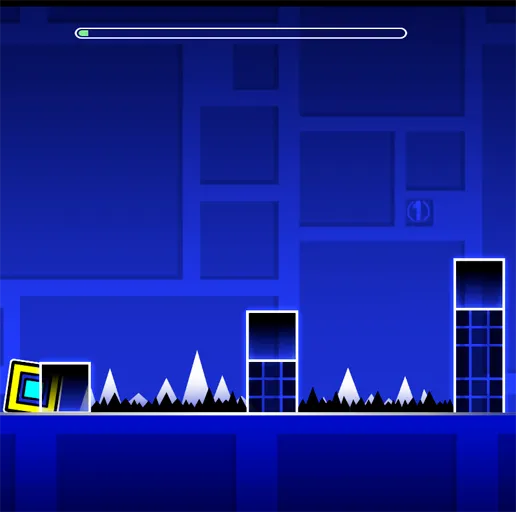
Jump on beat through portal swaps
Use click, Spacebar, or the up arrow to control cube, ship, wave, and spider sections. Pass portals, dodge spikes and gears, and stay synced with the music to reach the finish.
3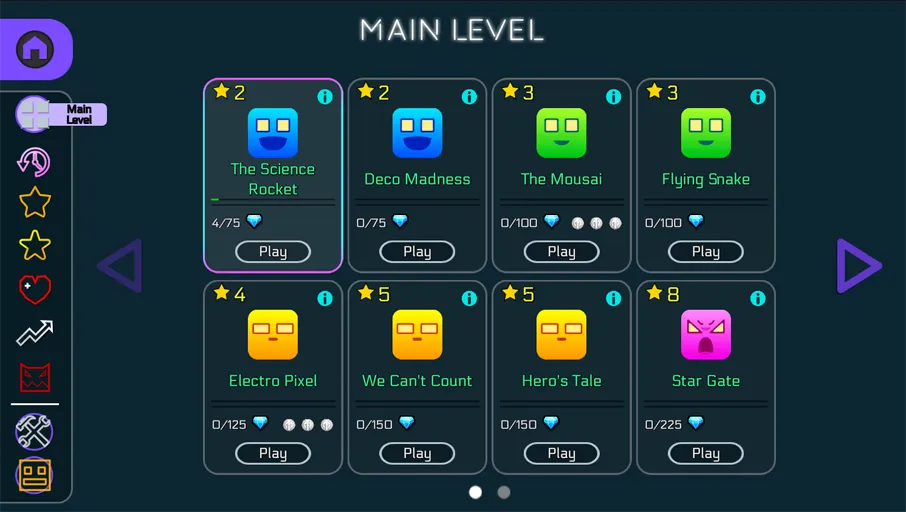
Build a chart or chase chart ranks
Open the editor to place obstacles, assign music, and test BPM sync. Publish for community votes, or grind Popular maps to earn mana orbs and unlock icon kit cosmetics.
FAQs about Dashmetry
Yes. Dashmetry on spacewaves2.net runs in a browser tab at no charge. Press Play to open official stages, online community maps, and the level editor without installing anything.
Dashmetry offers Classic structured levels, Endless survival runs, and Race head to head clears. The online browser also sorts community maps into Featured, Popular, Trending, Recents, and Favorites folders.
Yes. The built in editor lets you place dash style entities, pick or upload music, align obstacles with BPM tools, test your stage, save it, and share it for community play and voting.
Left click, Spacebar, and the up arrow share the same action for the current icon form. Hold or tap depending on ship, wave, cube, or spider sections while staying on beat with the soundtrack.
Dashmetry is the main platform with online charts, editor tools, profiles, and broad difficulty tiers. Dashmetry Winter is a separate frost themed spin with a smaller Classic and Endless focus and holiday presentation.