




Press Play above. Arrow Wave loads in your browser with no download. Pick a level from the stage list. The first few maps are the best place to learn how long a hold should last before you chase higher numbers.
What's Arrow Wave game?
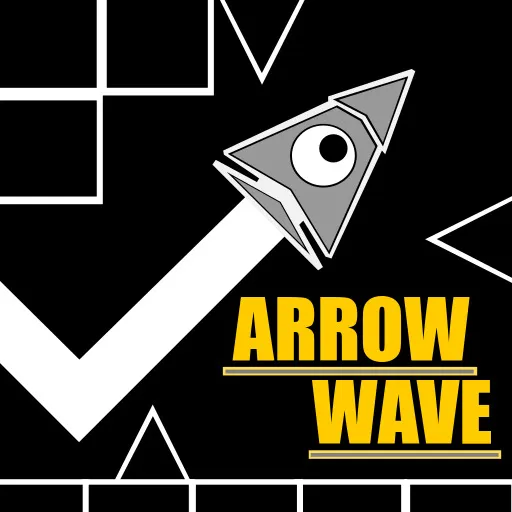
Arrow Wave is a stage based wave platform game built around one relentless rule: press to climb, let go to fall, and never lose the beat. You guide a glowing wave through electrified tunnels where walls pop up without warning, traps spin mid flight, and narrow gaps demand clean timing. The run ends the moment you touch danger, so every section is a small test of focus rather than a casual glide.
The game ships with 24 handcrafted levels, each with its own layout and pace. Early tracks leave room to learn how the wave responds. Later ones stack faster obstacle patterns, tighter angles, and visual noise that makes you trust rhythm as much as sight. If you enjoy the wave sections from rhythm platform games, Arrow Wave feels like that mechanic stretched across a full level pack.
Presentation leans neon and geometric. Color pulses track the energy of each stage, audio hits hard during tense stretches, and the quick restart button keeps you in the loop. Crash, tap retry, and you are back at the start of the stage within a second. That low friction retry cycle is a big part of why players grind the same level until the line finally clicks.
Twenty four stages and a steady difficulty climb
Unlike endless runners that only measure distance, Arrow Wave is organized as a numbered stage list. You can warm up on the opening levels, then push into maps where obstacle sets change shape and speed from one screen to the next.
- Levels 1 through 8 introduce basic hold length and simple gap reading.
- Levels 9 through 16 add moving patterns and shorter reaction windows.
- Levels 17 through 24 combine fast sequences, rotating hazards, and layouts that punish hesitation.
Difficulty is not just about spike density. Obstacle choreography shifts as you advance, so memorizing one jump timing will not carry an entire late stage. You learn the flow of each map through repetition.
Single button wave steering
Controls stay minimal so your attention stays on the track.
- Hold the left mouse button or Spacebar to make the wave rise.
- Release to let it fall along a smooth arc.
- On mobile, press and hold the screen to ascend, then lift to descend.
Small inputs matter. A long hold in a short corridor sends you into the ceiling. A late release drops you into a floor spike. The sweet spot is usually a series of measured presses synced to the pulse of the level rather than random tapping.
Moving hazards and rhythm under pressure
Static walls are only the baseline. Many stages throw traps that rotate, slide, or appear just as you commit to a line. That keeps even familiar levels tense on repeat attempts because your muscle memory must account for motion, not only fixed geometry.
Sound and color often spike right before a brutal passage, which helps experienced players anticipate the next squeeze. Beginners benefit from replaying an early level until hold length feels automatic, then stepping into maps where the wave speed and obstacle rate both climb.
Instant restarts and level grinding
Arrow Wave does not waste time between failures. When you crash, you can restart immediately and try the same stage again without loading screens or menu digging. That design fits a game where success comes from dozens of short attempts on one tricky segment.
Grinding a single level is normal here. You might clear the first half cleanly ten times before the final gate breaks your run. Because retries are instant, those micro improvements stack quickly once you identify which hold was too long or which release came too late.
Practical notes for clearing tough Arrow Wave stages
- Learn the opening three seconds of a stage first. Many crashes happen before the layout even shows its full pattern.
- Match hold length to corridor height, not to how panic feels in the moment.
- When traps move, watch their cycle once before committing to a risky line.
- Step back to an earlier level if timing feels off. Clean runs on easy maps rebuild confidence fast.
Games with a similar wave feel on this site
Arrow Wave is a fixed level pack for wave flight fans. If you want a different structure on spacewaves2.net, these pages overlap in skill but change the rules:
- Geometry Arrow for six rhythm synced arrow stages with triangular flight.
- Wave Road for a speed climbing cosmic tunnel with energy orb unlocks.
- Wave Dash for procedural zigzag maps that change every restart.
- Wave Games and Geometry Games to browse everything listed here.
How to Play Arrow Wave
1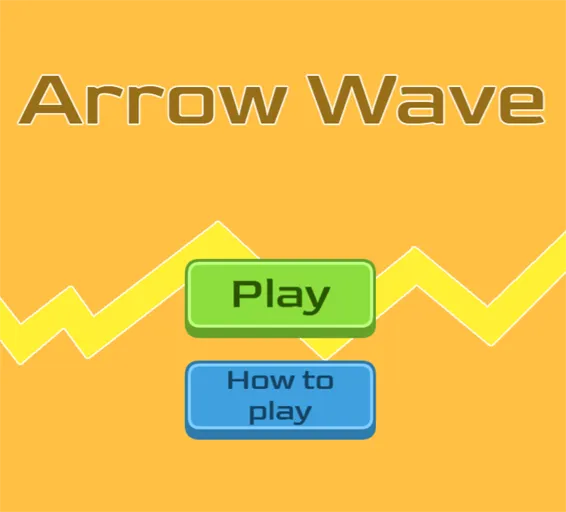
Choose a stage and start Arrow Wave
2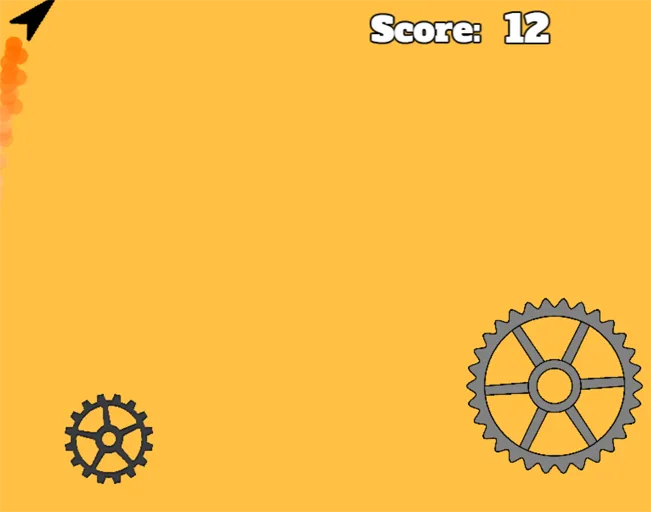
Press to rise, release to drop
Hold the left mouse button or Spacebar to send the wave upward. Release to fall. Keep inputs small in tight sections and sync your timing with the pulse of the track.
3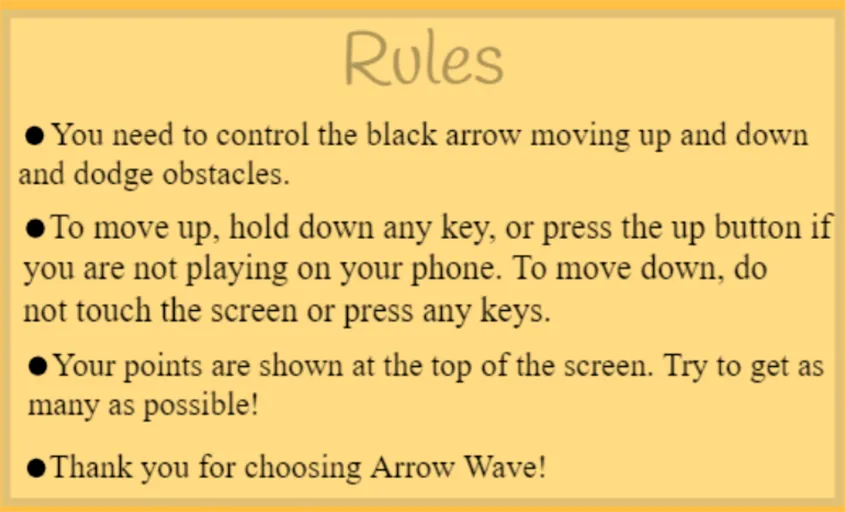
Clear the stage or retry instantly
Reach the end of the level to mark it complete, or restart immediately after a crash. Arrow Wave is built for quick repeats, so use each failure to adjust hold length before the next attempt.
FAQs about Arrow Wave
Yes. Arrow Wave on spacewaves2.net runs in a normal browser tab at no charge. No account or install is required to open a stage.
The game includes 24 designed stages. Early levels teach the wave control. Later levels add faster obstacle patterns and tighter timing windows.
Hold the mouse button or Spacebar to rise. Release to fall. Touch hold and release works the same way on mobile screens.
The core idea is similar: one input controls vertical wave motion through spike filled corridors. Arrow Wave focuses on a dedicated 24 level pack rather than a mixed mode stage editor.
Yes. Press and hold the screen to ascend, then lift to descend. Short sessions work well on mobile, though some players prefer a mouse or keyboard for the fastest late stages.