


Press Play above. Space Waves 2 opens inside this page with no download and no account. The first load takes a moment. After that, pick any of the 33 stages from the level list and jump in.
What's Space Waves 2 game?
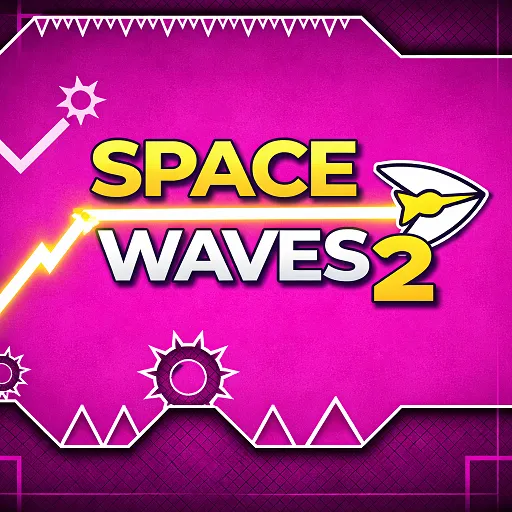
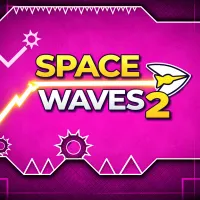
Space Waves 2 is a reflex arcade built around one idea: keep a sharp wave arrow alive inside glowing geometric tunnels. The camera never stops pushing forward, so you read gaps early, adjust height with short holds and releases, and accept that one scrape against a wall ends the run.
What stands out here is how each stage looks and sounds. Planets, neon corridors, and surreal space backdrops give every level its own mood, while the soundtrack and hit effects push the pace without cluttering the screen. Runs feel fast, but the visuals stay readable enough to plan the next move.
There are 33 handcrafted stages, and you can open any of them from the start. Face icons mark difficulty from friendly green routes to brutal red and Demon tiers. Spinning gears, sudden drops, and tighter corners show up as the labels get harder, so you can practice on easier maps before jumping into a stage that punishes late reactions.
Wave motion and one touch control
Your arrow slides forward on a smooth wave path rather than flying in straight lines. Hold the input to climb, release to drop, and keep inputs steady when the tunnel narrows. Jerky taps often overcorrect; calm timing usually survives longer than raw speed.
- On desktop, hold the left mouse button, Up Arrow, or Spacebar to rise.
- Release to fall. The same rule applies on mobile: press and hold the screen to climb, lift to descend.
- In tight sections, shorter taps keep the arrow centered. In tall vertical gaps, a longer hold clears the opening without drifting into the ceiling.
Classic, Endless, and Race
Space Waves 2 wraps the same steering into three different goals:
- Classic: Fixed layouts with a finish gate. One hit resets the stage. Difficulty scales from Easy through Demon across all 33 maps, and any level stays selectable for practice.
- Endless: No endpoint. Obstacles and speed ramp up over time, so the score comes purely from how long you stay alive.
- Race: Fixed routes where clean lines and steady rhythm beat risky shortcuts. Small mistakes cost time, so repeated runs reward smoother paths.
Skins, colors, and unlocks
Nine arrow skins sit behind in game progress. Completing Classic challenges or hitting milestones in Endless can unlock new icons and color options. The core arrow shape stays the same, so mechanics never change. Only the look does, which gives regular players something to chase beyond raw distance.
Reading difficulty before you fly
Each Space Waves 2 stage shows a face icon that hints at how punishing the layout will be. Green maps leave more room to learn the wave rhythm and build speed safely. Orange and red stages tighten turns, shrink gaps, and stack hazards like spinning gears where a half second delay ends the run.
Because every stage is open from the start, you do not need to grind an unlock chain. Drop into a Demon map if you want a skill check, or stay on Easy routes until your hands know the spacing. If one stage keeps killing you in the first third, switch down, memorize the pattern, and return when the rhythm feels familiar.
Why retries feel fair in Space Waves 2
Instant restarts keep momentum high. Crash once and you are back at the start within a second, which turns failure into muscle memory instead of frustration. No checkpoints means a late mistake costs the whole run, but the short loop encourages one more try rather than a long walk back.
Obstacle layouts stay consistent on each stage, so repeated attempts teach spacing rather than random luck. Speed ramps gradually in Endless mode, and Classic maps scale through named tiers up to Demon. The pressure rises, but the rules stay clear: stay off the walls, read the next gap, and keep inputs smooth.
More wave games on this site
If Space Waves 2 fits your taste, these pages on spacewaves2.net are worth a look:
- Space Waves homepage for the main site play experience.
- Space Waves Unblocked for a browser first version aimed at quick access on shared devices.
- Wave Games directory for other one touch arcade picks we list.
- Geometry Games if you want more reflex titles with tight tunnel navigation.
New to the wave steering style? Start with our how to play guide and tips page.
How to Play Space Waves 2
1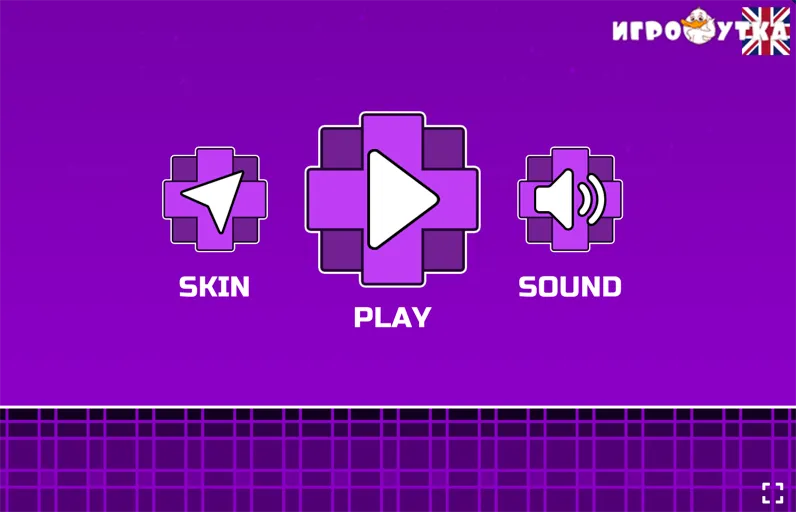
Load Space Waves 2 and choose a stage
2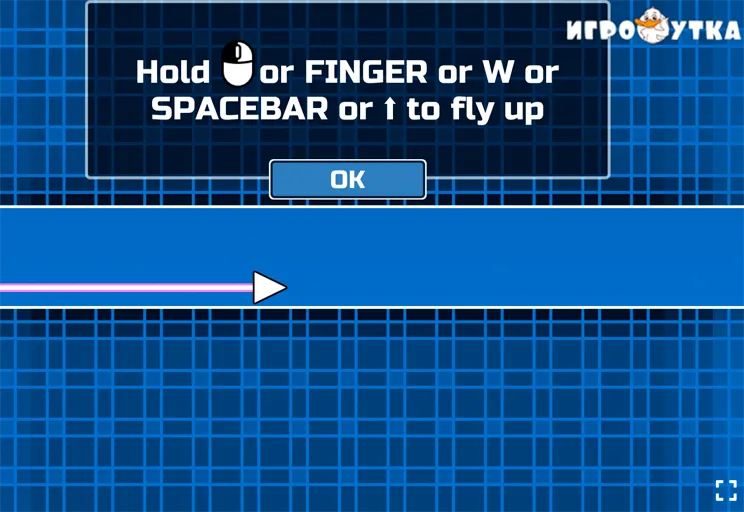
Steer with hold and release
Hold the left mouse button, Up Arrow, or Spacebar to move the wave arrow upward. Release to drop. On touch screens, press and hold anywhere to rise, then lift your finger to fall. Look slightly ahead of the icon so you react to gaps before they arrive.
3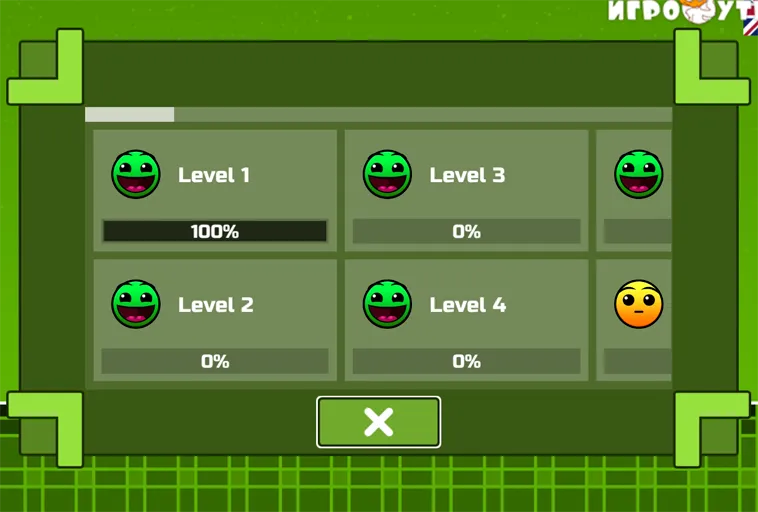
Clear the gate or push your record
In Classic mode, reach the finish without touching walls, gears, or spikes. In Endless mode, survive as long as possible while speed and obstacle density climb. In Race mode, shave time off repeated runs with cleaner lines. There are no checkpoints, so every attempt is a full test of focus from start to finish.
FAQs about Space Waves 2
Yes. Roughly fifteen Easy stages give beginners room to learn hold and release timing before orange, red, or Demon maps ask for sharper reflexes. You can stay on green routes until the wave motion feels natural.
No. One collision ends the current run, even near the finish gate. That keeps every attempt focused, but it also means consistency matters more than a single lucky stretch.
Yes. Nine skins and extra color options unlock through Classic milestones and Endless achievements. The arrow mechanics stay the same; only the look changes.
Mouse, Spacebar, and Up Arrow all do the same thing on desktop. Try each for a few runs and stick with whichever feels most natural. Mobile players can use touch hold and release with the same rules.
Yes. Space Waves 2 runs in a normal browser tab on spacewaves2.net. No install is required, and you can open or close the page whenever you finish a session.