
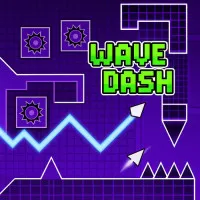


Press Play above. Wave Dash opens inside this page with no download required. Each start generates a fresh tunnel layout, so treat the first few seconds as scouting time before you commit to aggressive lines.
What's Wave Dash game?
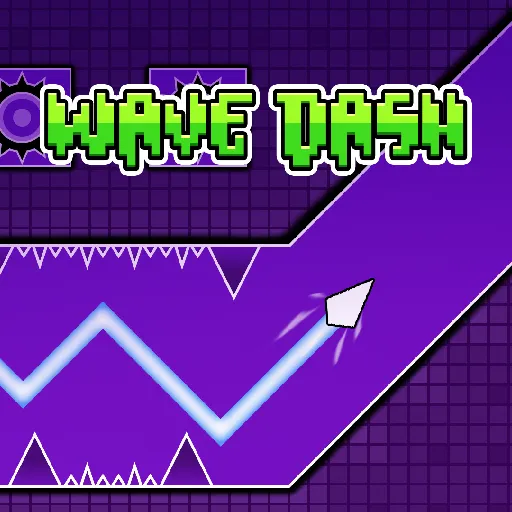
Wave Dash drops a small wave shaped ship into a geometric space tunnel that rebuilds itself every time you start. There is no memorized route to grind. Each run throws new angles, new spike clusters, and new moments where a wide corridor suddenly pinches shut. You adapt on the fly or the attempt ends in a flash.
The ship moves on a diagonal wave path through neon shapes and dark void backdrops. There is no flat ground to rest on. Your trajectory is whatever you carve with timely input, rising and falling through gaps that only stay open for a second or two. One scrape against a wall or spike resets the run, so the whole game rewards calm hands more than frantic speed.
That unpredictability is the point. Wave Dash is less about clearing a fixed stage list and more about reading fresh geometry under pressure. Veterans talk about finding the perfect line through a messy map. Beginners usually survive longer once they stop fighting the wave and start timing taps to the rhythm of the corridor.
Tap timing and zigzag steering
Controls stay simple on the surface. You press or click when you want the wave to flip direction along its diagonal path. No complex button layouts, just timing.
- On desktop, use the left mouse button or Spacebar to change the wave angle at the right moment.
- On mobile, tap the screen with the same idea: one clean input per correction, not a stream of panicked hits.
- In open sections, fewer taps keep the path smooth. In tight zigzag channels, shorter rhythmic taps help you thread the center without oversteering.
Think of each press as a small course correction rather than a full turn. The ship already carries momentum. Your job is to nudge it through the next safe window before the geometry closes.
Random maps and shifting corridors
Because layouts change between runs, copying a YouTube path will not carry you forever. A section that felt generous on your last attempt might return narrower next time, or swap a spike wall for a different angle entirely.
That keeps early seconds readable while later stretches test whether you can adjust when the tunnel stops giving you room. Wide breathing space can vanish without warning. The challenge comes from reacting to what appears, not from learning one static script.
Rhythm, audio, and the clean line
Obstacles often land on a beat you can feel as much as see. Players who sync their taps to the pulse of the level sometimes move correctly before they fully parse the next spike. Listening helps as much as watching.
There is a real payoff in carving a clean trail through a chaotic map: the wave glides through a hard section with no wasted motion. That is the run you chase after a dozen crashes, not a lucky fluke but a steady tap frequency through a narrow passage.
Pointers for longer Wave Dash runs
- Look ahead of the ship, not at the icon itself. You need lead time for the next flip.
- Match tap spacing to corridor width. Fast taps in a wide zone often cause self inflicted crashes.
- When speed jumps, trust the diagonal rhythm you already built instead of switching to random clicks.
- Restart quickly after a fail while the last map shape is still in memory.
More skill arcade games here
If Wave Dash suits your reflex style, these spacewaves2.net pages offer different movement rules worth trying:
- Space Dash for hold and release direction locks in a forward rush corridor.
- Space Waves 2 for selectable neon stages with Classic, Endless, and Race modes.
- Space Waves Unblocked for browser friendly wave flight on shared devices.
- Wave Games and Geometry Games for the full arcade list on this site.
How to Play Wave Dash
1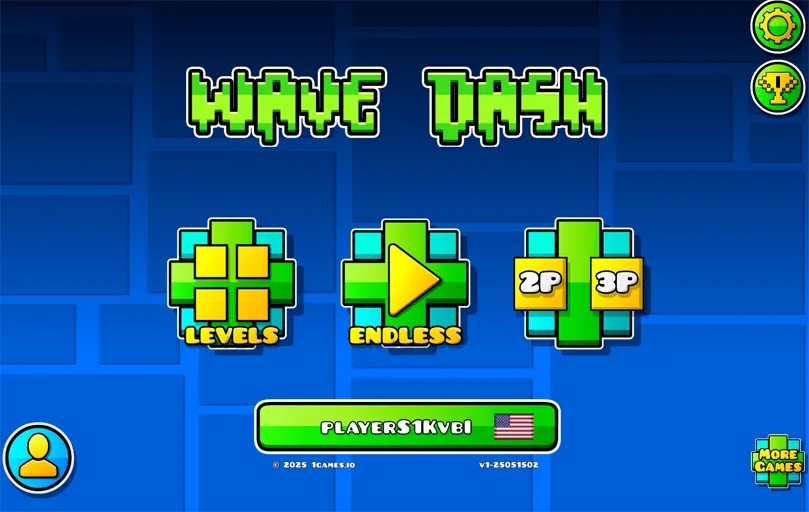
Launch Wave Dash and enter a new map
2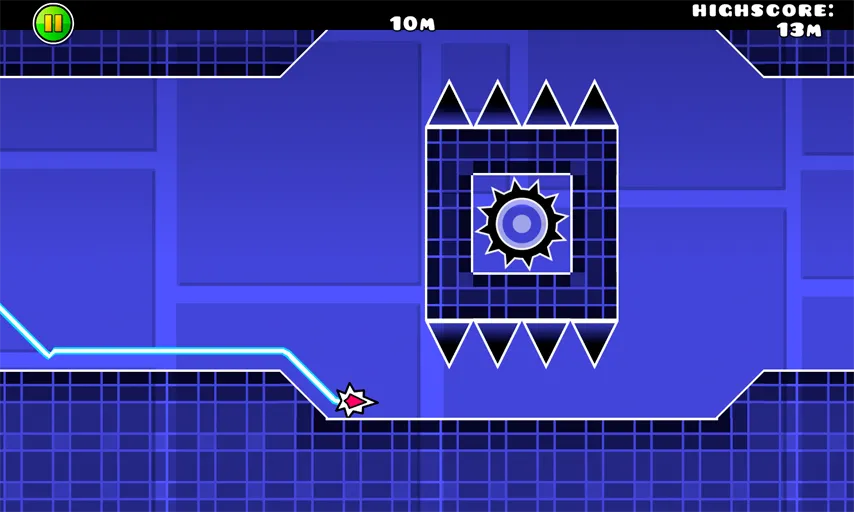
Flip the wave with timed taps
Use the left mouse button or Spacebar on desktop to switch the ship diagonal direction when a gap demands it. On touch screens, tap once per correction. Steady rhythm beats rapid clicking in most narrow sections.
3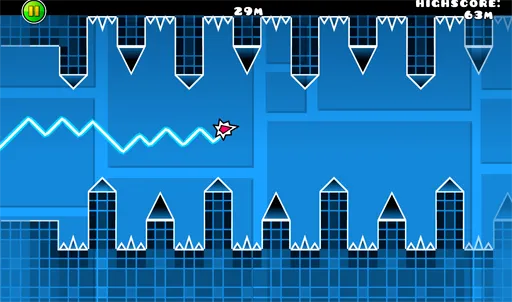
Survive farther and refine your line
There is no stage select. Your score is distance and survival time through whatever map appears. Crash once and you restart on new geometry. The goal is a cleaner path through the same chaos, not just one lucky squeeze through a spike field.
FAQs about Wave Dash
Yes. Wave Dash on spacewaves2.net runs in a normal browser tab at no charge. No account or local install is needed to begin.
No. Layouts change between attempts. Corridors, spike placement, and width shifts can all differ, so adaptability matters more than memorizing one route.
Click, Spacebar, or tap to flip the wave direction along its diagonal path. Timing matters more than how many buttons you press.
They share a wave movement feel, but Wave Dash focuses on procedural tunnels and tap steering. Space Waves titles on this site use fixed or selectable stages with hold to rise controls.
Yes. Single tap inputs mirror the desktop flip mechanic. Short sessions on mobile work well, though some players prefer keyboard or mouse for longer practice.