


Press Play above. Space Dash loads inside this page with no download and no sign up. The first launch may take a moment while the player initializes. Once the corridor appears, your icon starts moving immediately.
What's Space Dash game?
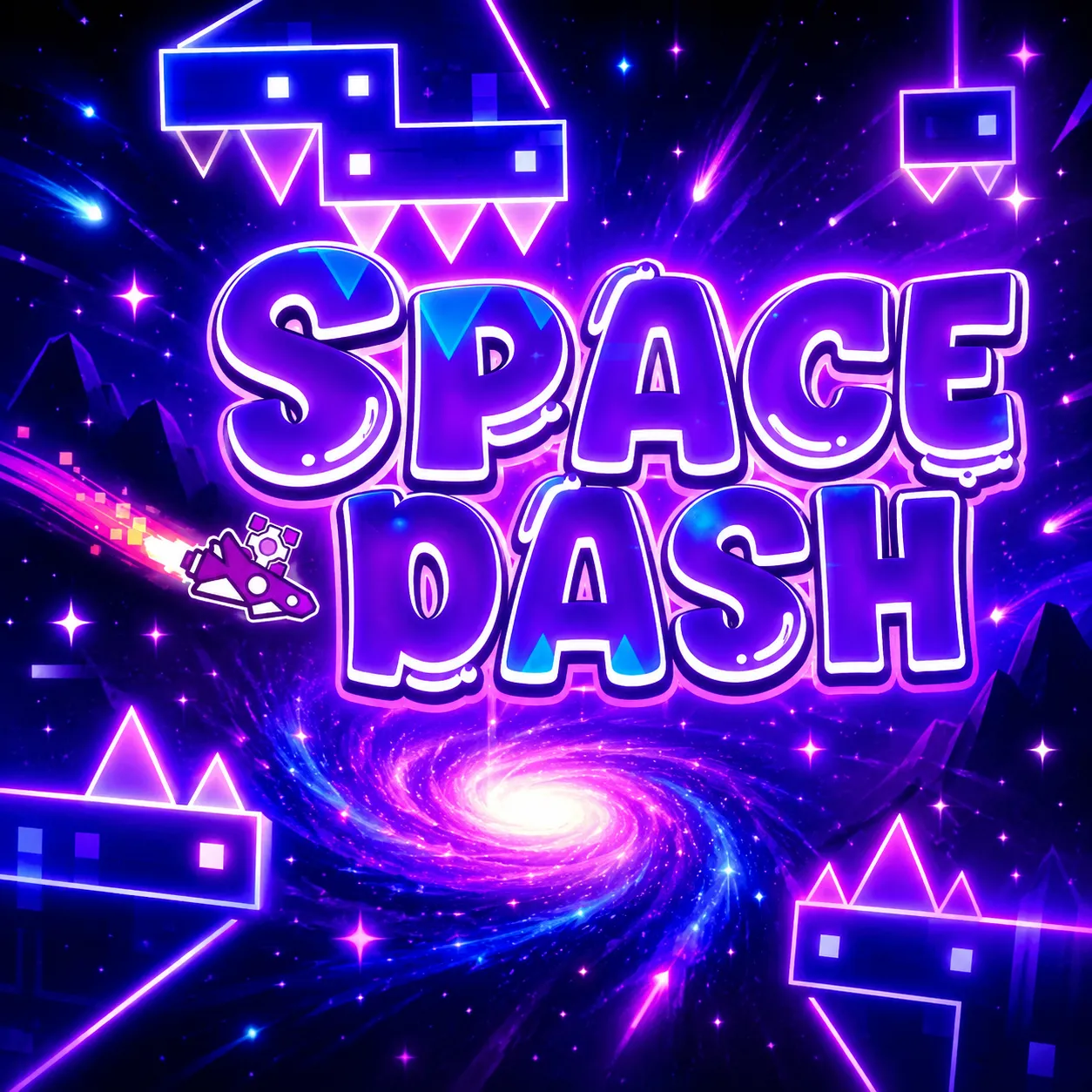
Space Dash is a forward rushing reflex run set inside a neon space corridor. You guide a small glowing icon that never stops moving, dodge spikes and geometric traps, and squeeze through gaps that shrink as the pace picks up. One touch ends the attempt, so the whole session is about reading what comes next and staying calm under speed.
The look is stripped back but loud: bright shapes on dark space backdrops, flickering lights, and blocks that spin or pop into place without warning. It feels chaotic at first, yet the layout stays readable enough that you can spot the safe line if you look slightly ahead of the icon instead of staring at the center of the screen.
There is no level select screen here. Space Dash is built around repeated distance runs. Each attempt pushes you a little farther into tighter spacing and faster motion. Failures come quickly, restarts come faster, and the loop is meant for short bursts where you try to beat your last run by a few extra seconds.
Hold, release, and redirect
Controls stay minimal on purpose. You are not steering with a joystick. You lock a movement line, then adjust it when the corridor demands a new angle.
- Press and hold the left mouse button or Spacebar to keep the current direction locked in.
- Release to change trajectory or line up the next turn before the next trap arrives.
- On touch screens, tap and hold for the same lock, then lift to redirect. Short taps work better in narrow sections than holding through the whole gap.
The rhythm is closer to timing your inputs with the beat of the corridor than mashing buttons. Panic clicks usually send you into a wall. Measured holds and clean releases usually buy more distance.
What makes each run harder
Early seconds feel open. Then spikes cluster closer, passages narrow, and rotating blocks cut off routes you thought were safe a moment ago. Speed climbs gradually, so the same input that worked ten seconds ago can feel late if you stop paying attention.
Layouts shift between attempts enough that memorizing one exact path will not carry you forever. You learn patterns instead: how wide a gap really is, how long a hold should last before a drop, where the neon flash usually means a new hazard is about to appear.
Tips for longer Space Dash runs
- Scan ahead of the icon. Your eyes should lead your hands, not the other way around.
- Release early when a turn is coming. Late redirects cost more distance than cautious ones.
- After a crash, restart immediately while the last obstacle order is still fresh.
- If the same spike keeps ending your run, pause for half a minute. Timing often resets after a short break.
Other arcade picks on spacewaves2.net
If Space Dash clicks with you, these pages cover similar reflex loops with different movement rules:
- Space Waves 2 for stage based neon tunnels with open level selection.
- Space Waves Unblocked for a browser friendly wave flight version on shared devices.
- Space Waves homepage for the main site play hub.
- Wave Games list and Geometry Games for more one touch arcade titles.
How to Play Space Dash
1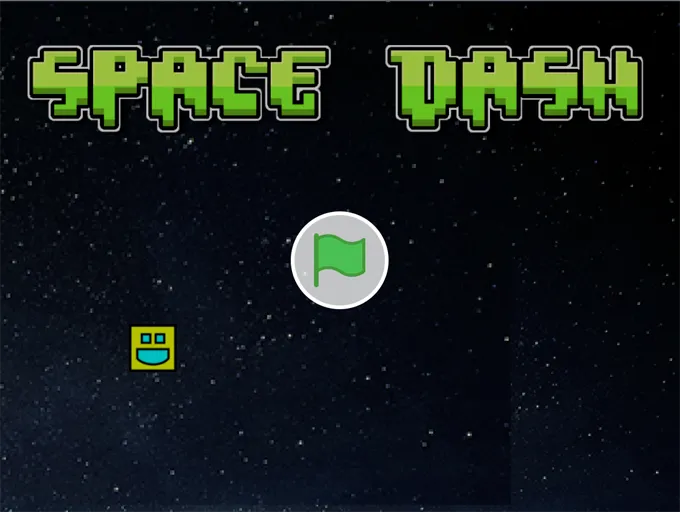
Open Space Dash and start a run
2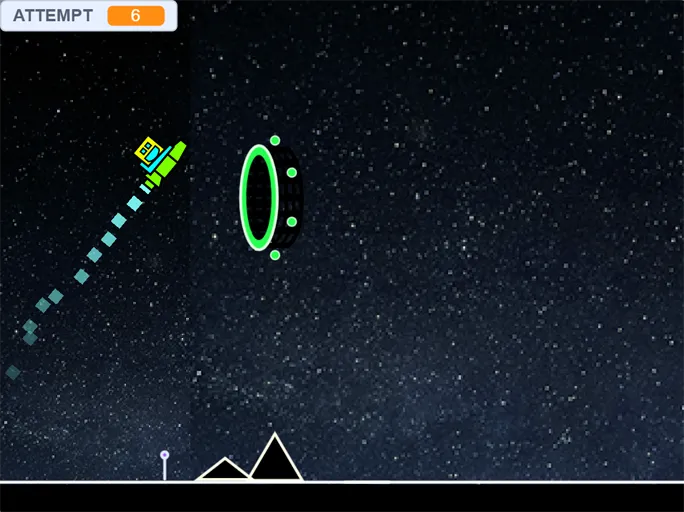
Lock direction, then redirect
Hold the left mouse button or Spacebar to keep your current path. Release when you need a new angle before the next spike or wall. On mobile, press and hold the screen to lock, then lift to redirect.
3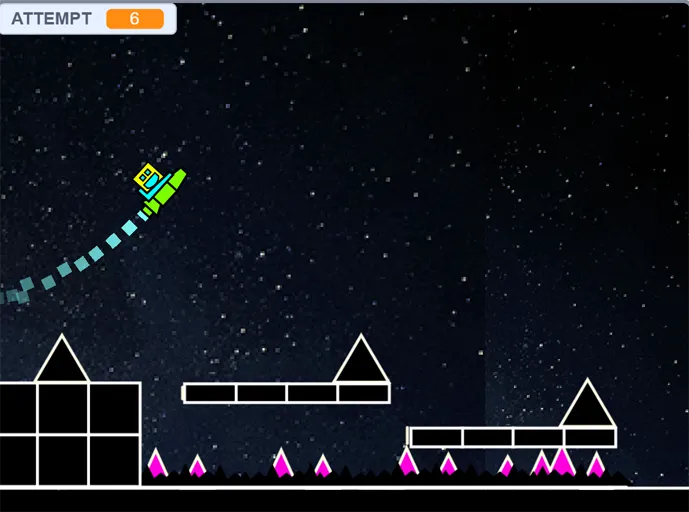
Chase a better distance score
Your goal in Space Dash is simple: stay alive and push farther than your last attempt. There is no finish line to reach. Each crash sends you back to the start, so focus on clean input timing rather than risky shortcuts through tight gaps.
FAQs about Space Dash
Yes. Space Dash on spacewaves2.net opens in your browser at no cost. You do not need an account or a local install to start a run.
Hold the mouse button or Spacebar to maintain your current direction. Release to change trajectory. The same hold and release logic applies on touch screens.
Space Dash is built around distance runs rather than a level map. The corridor keeps going until you crash, and difficulty rises the farther you travel.
Yes. Touch hold and release mirrors the desktop inputs. Some players prefer a keyboard or mouse for longer sessions, but phones and tablets work fine for short runs.
Yes. Runs are short, restarts are instant, and there is no setup between attempts. It fits a few spare minutes when you want a fast reflex challenge without loading a large game client.