Play Space Waves Game Online
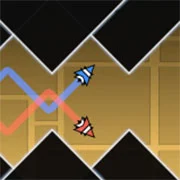
Space Waves Game is a fast-paced side-scrolling arcade game built around one simple challenge: guide your arrow through space tunnels without crashing. Walls, spikes, spinning gears, and enemy ships stand between you and the finish line, and every level asks for sharper reflexes than the last.
Whether you are clearing emoji-rated stages or pushing for distance in Endless mode, Space Waves rewards calm hands and quick reads. Most players understand the controls within the first run; the real test is staying focused as obstacles and shooters crowd the tunnel.
How to Play Space Waves Game
Your goal, controls, obstacles, and game modes
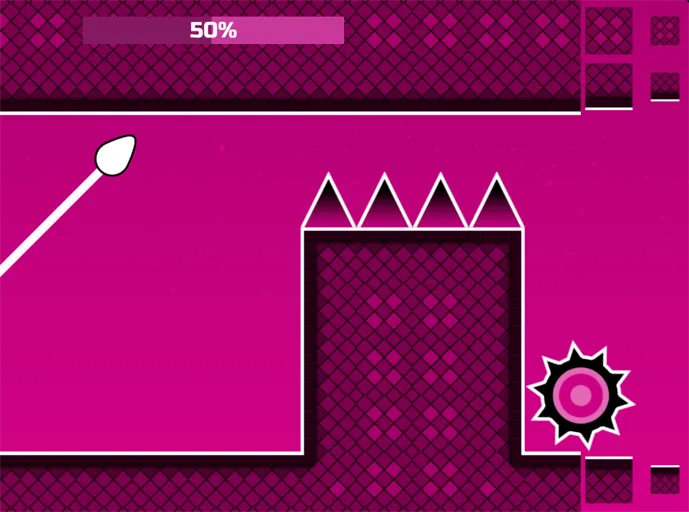
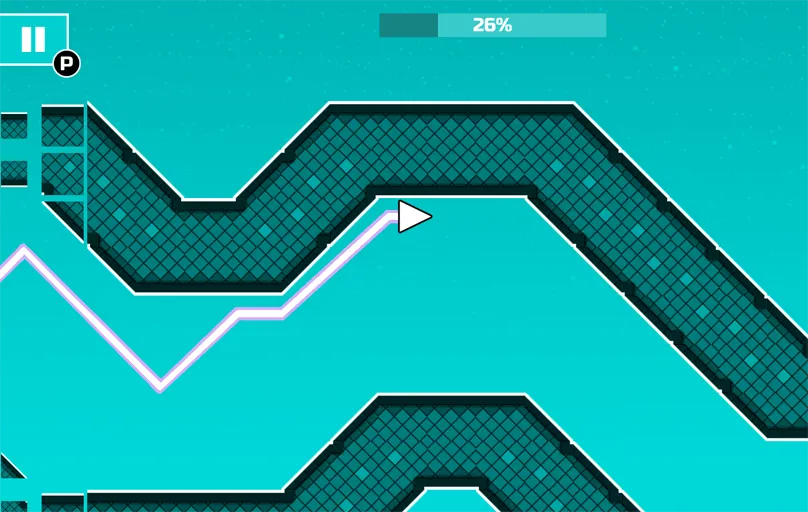
Space Waves is easy to start but demanding once obstacles and enemy fire fill the tunnel. Your aim is to dodge hazards, destroy enemy spaceships, and collect power-ups to raise your score and stay alive. Every level shares the same core rule: complete the run without crashing into walls, spinning gears, or spikes. The steps below follow what you will see in-game, from picking a stage to choosing between World Mode 1 and Endless. For a standalone walkthrough, see our beginner guide.
11
Step 1: Launch and Pick a Level
Click Play on the game frame at the top of this page. Space Waves loads online with no download or sign-up.
From the level select screen, choose one of 33 emoji-rated stages:
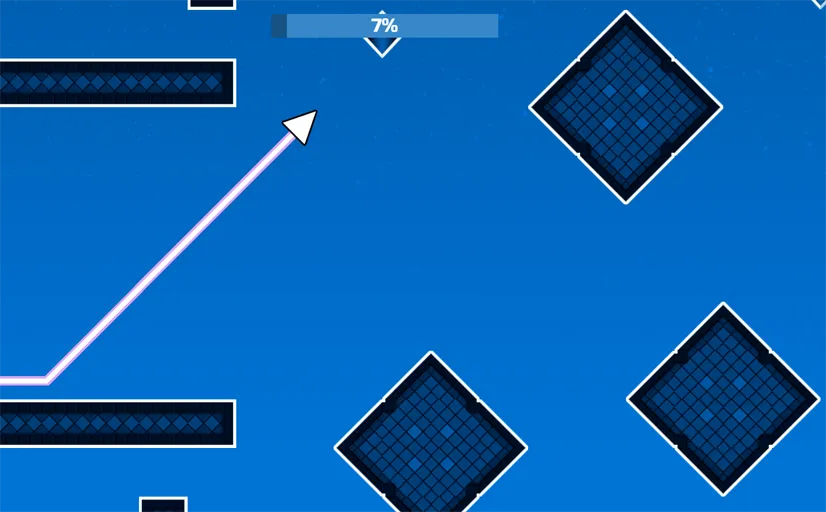
- Green levels offer more space and friendlier angles, ideal for learning.
- Harder levels add tighter gaps and more obstacles.
- Pick any stage you want, even the toughest, if you prefer to learn by reacting fast.
22
Step 2: Learn the Controls
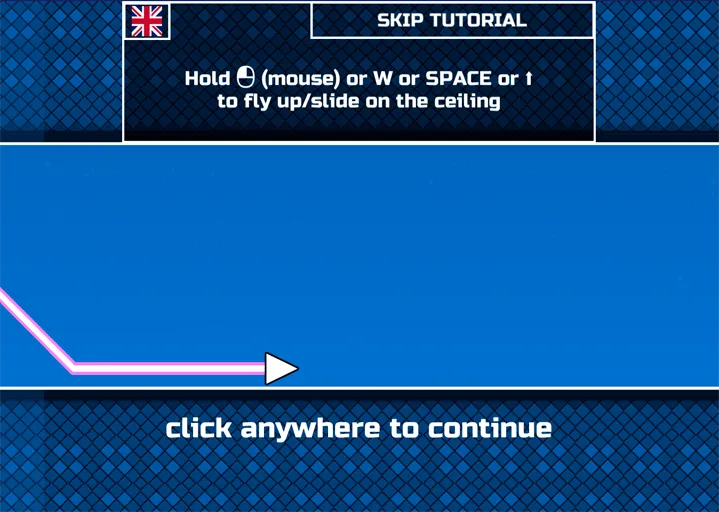
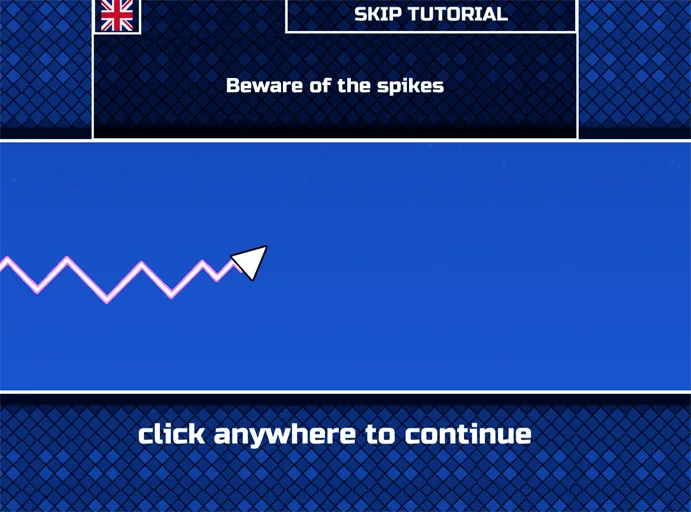
Movement is vertical: hold to rise, release to fall. There are no left/right steering keys like a top-down shooter.
PCHold the left mouse button, W, or Space to move your arrow upward. Release to drop.
MobileTap and hold the screen to rise. Let go to fall.
ShootingTap the screen to fire your laser at enemy spaceships and incoming threats.
33
Step 3: Survive Obstacles and Enemy Ships
Each tunnel keeps changing enough to stay unpredictable. Watch for these threats:
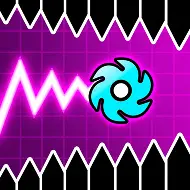
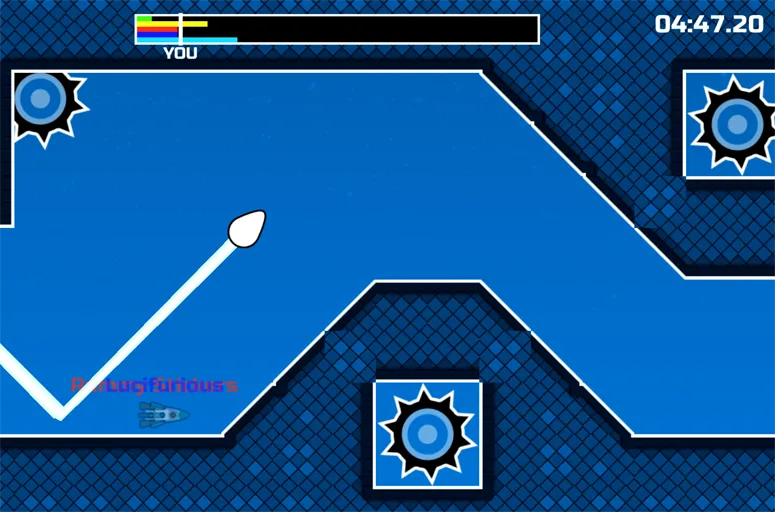
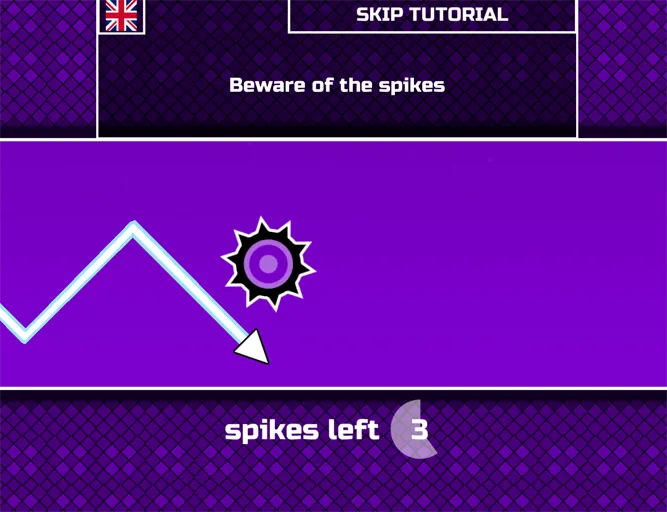
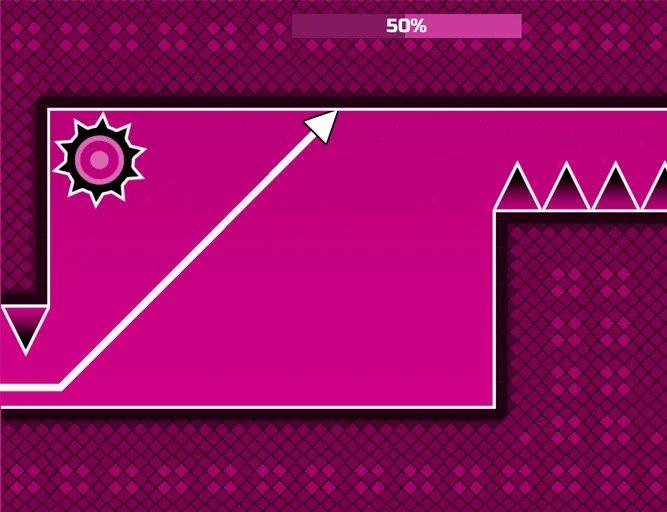
- Obstacles: walls, spikes, and spinning gears. One hit ends the run.
- Enemy ships: appear periodically and shoot at your arrow; destroy them for points.
- Power-ups: boost firepower, grant brief invulnerability, or slow the action so you can recover.
Small, steady corrections beat wild swings when the tunnel gets crowded.
44
Step 4: Choose World Mode 1 or Endless
World Mode 1The introductory world with wider tunnels, fewer obstacles, and a fixed endpoint. Best for learning control.
Endless modeNo finish line. Push as far as you can while hazards never stop coming. Best for a pure reflex test.
Start in World 1 to build confidence, then switch to Endless when you want to chase distance and score. Try both and see which fits your session.
What Is Space Waves Game?
Side-scrolling action through obstacle-filled space tunnels
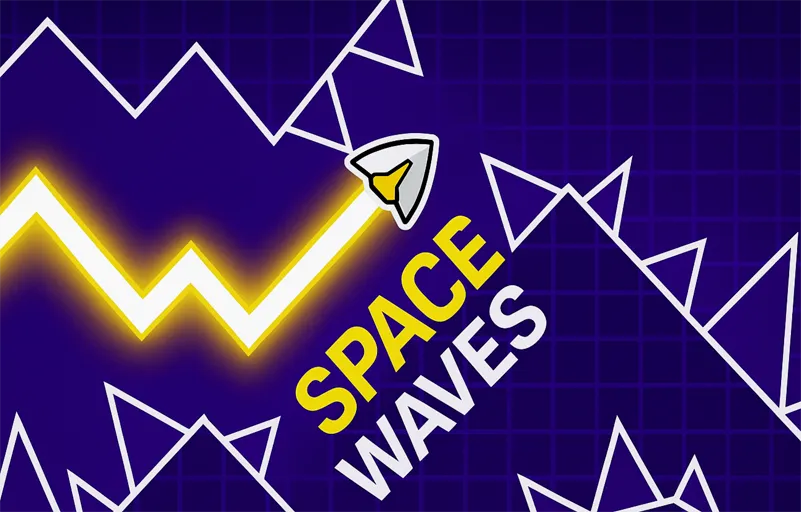
Space Waves is an exciting side-scrolling game that combines fast-paced action with tight level design. You control an arrow flying through space tunnels full of obstacles. Each stage asks you to reach the end without letting your arrow collide with walls, spinning gears, or spikes along the way.
There are 33 levels of varying difficulty, categorized by emojis. Easier green-rated routes offer more room and gentler angles; tougher picks pack in more hazards and narrower gaps. Space Waves was released in April 2024 by do.Games and remains a popular pick for players who like short, intense arcade sessions online.
Your broader goal is to dodge obstacles, destroy enemy spaceships when they appear, and collect power-ups that boost your score and help you survive. Tunnels are generated in a way that keeps runs feeling fresh, but the rules stay consistent: stay alive, finish the level, and chain clean movement instead of panicking when the pace spikes.
How Space Waves Ranks Level Difficulty
The game labels its 33 stages with emoji-style face icons tied to color tiers. Checking the badge before you launch tells you how much room, speed, and punishment to expect in the next run.
Difficulty tiers in Space Waves Game| Tier | Color | What the run feels like |
|---|
| Easy / Normal | Green | Wider tunnels, fewer hazards, and a steady rhythm that gives you time to learn the climb-and-drop timing. |
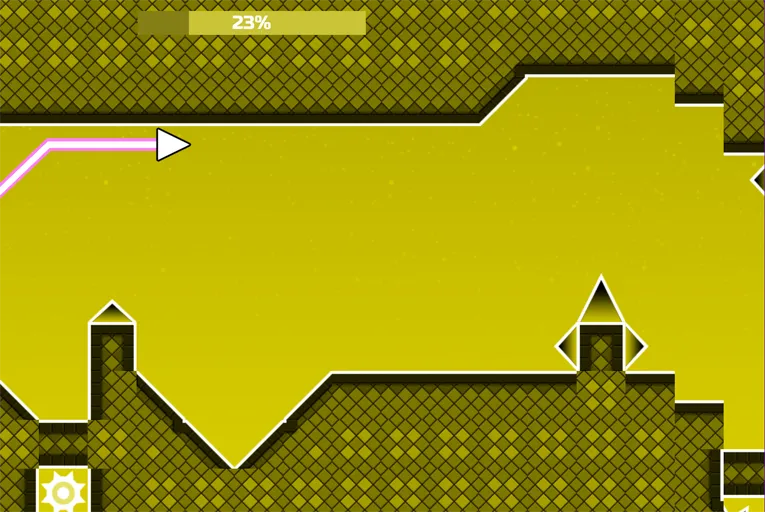
| Hard / Harder | Yellow | Rotating gears show up more often, gaps get tighter, and the scroll speed climbs enough that hesitation costs you. |
| Insane | Orange | Expect rapid tapping, shorter reaction windows, and layouts you will only survive once you memorize the pattern. |
| Demon / Extreme | Red | Frame-tight inputs, jagged spike corridors, and top speed throughout. These stages are built for players who already know every trick. |
Space Waves at a Glance
Key facts about Space Waves Game| Developer | do.Games |
|---|
| Release | April 2024 (updated February 2026) |
|---|
| Genre | Arcade reflex game with rhythm-style pacing and skill-based obstacle runs |
|---|
| Level count | 33 standard stages in the full browser release |
|---|
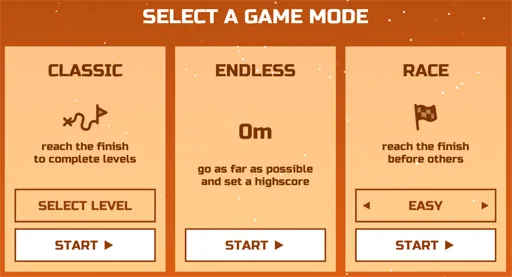
| Modes | Classic level progression, Endless survival, and Race Mode |
|---|
| Technology | HTML5 / Unity WebGL browser build |
|---|
| Compatibility | Modern browsers on PC, Mac, and Chromebook; also playable on Android and iOS through mobile browsers |
|---|
| Primary controls | Hold to rise with the left mouse button, Spacebar, Up arrow, or W key; release to fall. On touch screens, tap and hold to climb. |
|---|
Space Waves Unblocked Anywhere
Play Space Waves Anywhere, No Install Required
Space Waves runs entirely in your browser. There is nothing to download, no account to create, and no app to install. Open a tab and you are playing in seconds.
Because it is browser-based, it works on any device with a modern browser, including shared computers, Chromebooks, tablets, and laptops. No setup means no waiting, whether you have five minutes between tasks or just want a quick break.
For more wave games that run the same way, visit Space Waves Unblocked in our wave games collection.
Why Players Love Space Waves
The Space Waves Game keeps players coming back because each run is short, readable, and skill-based. You can clear a single emoji-rated stage in a minute or grind Endless mode for a new personal best. Either way, the loop is instant restart, instant retry.
- 33 emoji-rated levels let you pick your own difficulty
- Simple hold-to-rise / release-to-fall controls on PC and mobile
- Enemy ships, lasers, and power-ups add variety beyond pure dodging
- World Mode 1 for learning plus Endless mode for high-score chasers
- Free browser play with no download or account required
- Released by do.Games in April 2024 and still widely played today