


Press Play above. Wave Editor loads in your browser with no download. Start in the level editor, pan across the canvas, and sketch the opening corridor before you add hazards.
What's Wave Editor game?
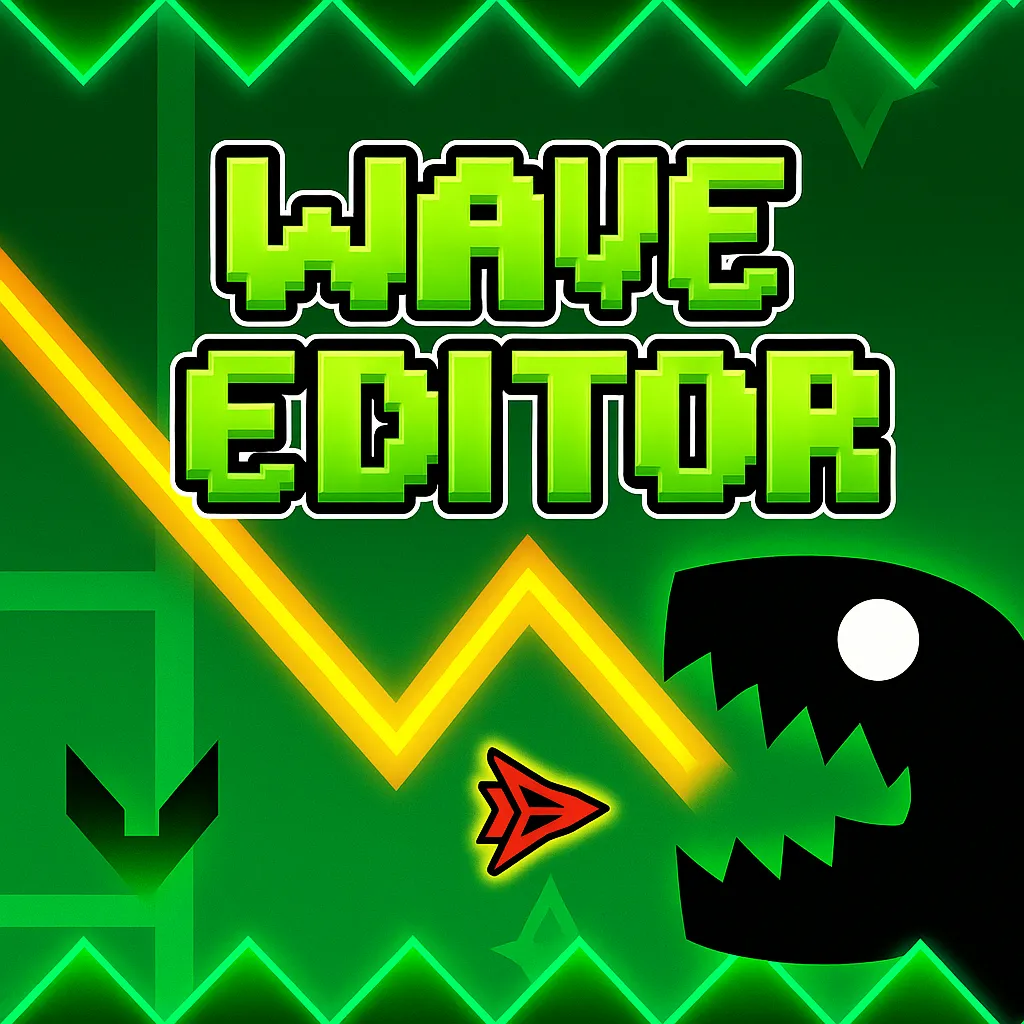
Wave Editor is a creative wave building game where you write the challenge instead of only clearing someone else's map. You open an editor canvas, drag obstacles and portals into place, shape how tight each gap feels, then switch to play mode and fly the wave through the course you just built. The same hands that placed the spikes are the ones trying to survive them.
The idea comes from the wave flight mechanic popular in rhythm platform games: hold to climb, release to fall, and thread a narrow path without touching walls. Wave Editor turns that into a sandbox. You are both level designer and pilot, which makes every crash feel personal and every clean run feel earned.
Runs play out in an abstract visual style built around contrast and motion. Background colors shift with the pace of the stage, lighting stays smooth during each surfing phase, and electronic audio keeps time with the wave path. The result reads clearly even when the layout gets dense, which matters when you are testing a layout you sketched five minutes ago.
Build mode: layout tools and object placement
Editor mode is where Wave Editor earns its name. You are not picking from a fixed stage list. You are assembling a path piece by piece.
- Drag obstacles, portals, blocks, and decorative elements anywhere along the course.
- Pan the editor view to extend the level beyond the first screen.
- Use the trash tool to remove objects quickly when a section feels unfair or cluttered.
- Adjust backgrounds and flow so later segments ramp difficulty in a way you can actually play test.
Most creators start with a simple straight corridor, add one spike cluster, play test, then expand. That loop is faster than trying to finish an entire mega stage before the first jump works.
Play mode: hold, release, and stay on beat
When you switch to play mode, the wave responds with the same smooth hold and release logic used in classic wave sections. Press and hold the mouse button or tap the screen to rise. Let go and the wave drops along a natural arc. Input needs to stay precise because each obstacle sits on a rhythm you chose during editing.
Fast segments punish late releases. Wide sections reward calm holds instead of frantic clicking. A small timing error can throw the whole line off beat, which is exactly why self made levels feel dramatic: you know where you placed the trap, yet your fingers still have to execute.
Music, color pulses, and readable motion
Audio is woven into movement rather than sitting in the background. Notes tend to land where the wave needs to change height, so listening helps as much as watching when you refine a tight passage. Electronic tones pair with color shifts that track the stage energy, giving each section a distinct mood without hiding the next hazard.
Lighting stays soft enough that spikes and portal edges remain visible during fast motion. That clarity supports the core loop: build, listen, play, tweak, repeat until the course feels challenging but passable.
Instant play test and difficulty tuning
Wave Editor supports immediate play testing from the same screen. You do not export, reload, or restart the whole page to see whether a gap is too cruel. Jump into play mode, crash or clear the segment, return to the editor, move one block, and try again.
Good custom stages usually come from small edits. Widen a portal entry by a few pixels, delay a spike row by half a beat, or swap a decoration that accidentally blocks the safe line. Those micro changes are easier when the author and the player are the same person.
Ideas for stronger Wave Editor courses
- Teach one move at a time. Let the opening corridor show hold timing before you stack portals and narrow gaps.
- Place audio heavy sections where the beat already guides height changes.
- Play test after every third object instead of finishing the whole map blind.
- Keep a recovery zone after brutal streaks so one mistake does not end a run instantly unless that is the point.
More wave and geometry picks on this site
Wave Editor is the creative side of the wave flight family. If you want preset stages or different control rules, these spacewaves2.net pages are close neighbors:
- Geometry Arrow for six fixed rhythm stages with triangular arrow flight.
- Space Waves 2 when you prefer thirty three ready made neon tunnels with mode selection.
- Wave Dash for procedural zigzag maps that change every restart.
- Wave Games and Geometry Games to browse the full directory.
How to Play Wave Editor
1
Open Wave Editor and enter build mode
2
Place obstacles, portals, and scenery
Drag blocks, spikes, portals, and decorative pieces into position. Use the trash tool to remove mistakes. Extend the view when the course needs more length than the first screen shows.
3
Play test and refine your course
Switch to play mode and guide the wave with hold and release input. Crash on your own layout, return to the editor, adjust spacing or rhythm, then test again until the route feels fair.
FAQs about Wave Editor
Yes. Wave Editor on spacewaves2.net runs in a normal browser tab at no charge. No account or install is required to start building or playing.
Yes. The core feature is a full level editor where you place obstacles, portals, blocks, and decorations, then play test the course immediately.
Hold the mouse button or tap the screen to make the wave rise. Release to let it fall along a smooth arc. Timing must match the rhythm of the layout you built.
Space Waves titles on this site focus on playing preset or selectable stages. Wave Editor is about designing your own wave course first, then flying through it yourself.
Yes. Touch hold and release works for play mode. Building on a larger screen is often easier for precise placement, but phones and tablets can handle both modes for short sessions.