


Press Play above. Geometry Arrow 2 loads in your browser with no download. Select arrow mode or wheel mode, then open one of the six levels. Start with the opening stage to learn how music and obstacles line up.
What's Geometry Arrow 2 game?
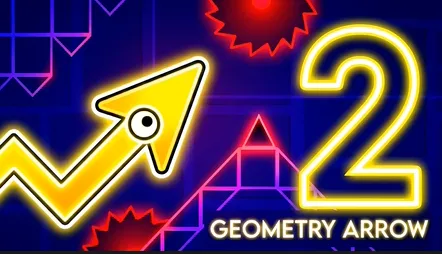
Geometry Arrow 2 is the follow up to the original rhythm flight game, rebuilt with brighter stages, louder tracks, and two playable characters that move through obstacles in completely different ways. You still race toward a portal at the end of each map, but the sequel adds jump pads, orbital track sections, and cosmetic unlocks that give repeat clears more purpose than a simple finish time.
There are six handcrafted levels, each locked to its own soundtrack. Spikes, sliding walls, and sudden gaps appear on beats you can hear before you fully see them. Miss the pulse and you restart from the top of the stage. Nail the pulse and the run feels like steering through a song instead of memorizing a static obstacle list.
Visuals lean colorful and sharp, with particle trails and block textures you can swap as you earn achievements. The game wants you to look good while surviving, which fits the arcade identity: fast retries, visible progress, and a reason to replay stages after the first clear.
Portal goals across six beat synced maps
Every stage shares one objective: reach the exit portal without touching hazards. Early maps teach spacing and basic rhythm. Later maps stack faster tempo, tighter spike clusters, and layout tricks that punish late reactions.
Stages are fixed, so repetition builds real memory. You learn where a jump pad launches you, where an orbital lane bends, and which audio cue marks the next wall slide. That structure rewards practice runs on the same level until the full route feels like one continuous motion.
Arrow mode and wheel mode
Geometry Arrow 2 lets you switch between two control identities.
- Arrow mode: Hold Spacebar or the left mouse button to fly upward. Release to descend along the wave path. This mirrors classic wave flight through spike corridors.
- Wheel mode: Click or tap to jump the wheel over obstacles. Momentum and quick taps matter more than long holds.
Choosing a character changes how you read the same stage. A gap that feels natural in arrow flight may demand a different click rhythm on the wheel. Trying both modes on a favorite map is an easy way to extend replay value after the first portal clear.
Pads, orbit paths, and momentum sections
The sequel introduces tools the first game did not lean on as heavily. Jump pads launch you across gaps that would be impossible with normal wave height alone. Orbital track segments carry the character in smooth arcs, linking obstacle clusters with less manual input but stricter timing on exit angles.
Those transitions are where runs often break. Players who only watch the character icon miss the setup beat before a pad fires. Listening for the audio hit that precedes each launch usually saves more attempts than staring at spikes alone.
Unlocks, flair, and achievement milestones
Progress is not invisible. Clearing stages and hitting milestones unlocks character skins, particle effects, and block texture variants. That gives long term players something to chase beyond the sixth portal.
Achievements mark skill jumps like finishing tough stages cleanly or clearing content with both character types. If you already beat a map on arrow mode, replaying it on wheel mode is a fresh challenge without new geometry to learn.
Staying on beat when the stage speeds up
- Let the soundtrack lead your hands in dense sections, especially before pad launches and orbit exits.
- On arrow mode, shorten holds when tempo spikes instead of clicking at random.
- On wheel mode, treat double obstacles as two separate taps, not one long panic press.
- Replay an earlier stage when a late map keeps breaking at the same gate. Warm timing carries forward.
More rhythm arcade picks on this site
Geometry Arrow 2 sits between wave flight and platform jumping. These spacewaves2.net pages offer different angles on the same skill set:
- Geometry Arrow for the original six stage triangular arrow run.
- Square Dash for a minimalist endless jump lane with rising spike pressure.
- Arrow Wave for 24 wave platform stages with instant retries.
- Geometry Games and Wave Games for the full lists.
How to Play Geometry Arrow 2
1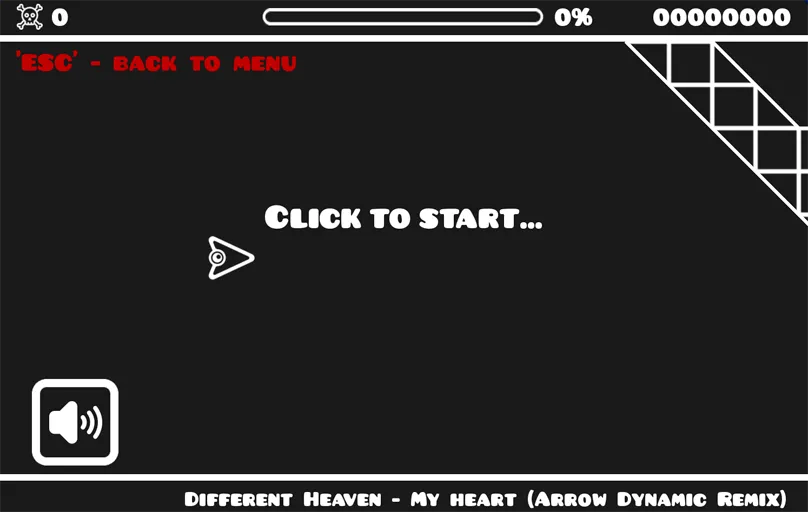
Choose a character and pick a stage
2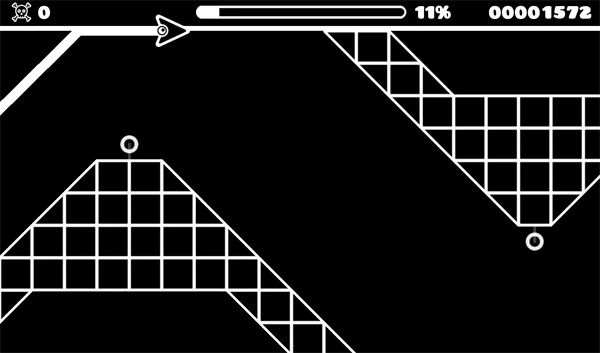
Move in time with the soundtrack
In arrow mode, hold Spacebar or the left mouse button to rise and release to fall. In wheel mode, click or tap to jump over spikes and walls. Sync inputs to the beat when gaps and moving blocks stack together.
3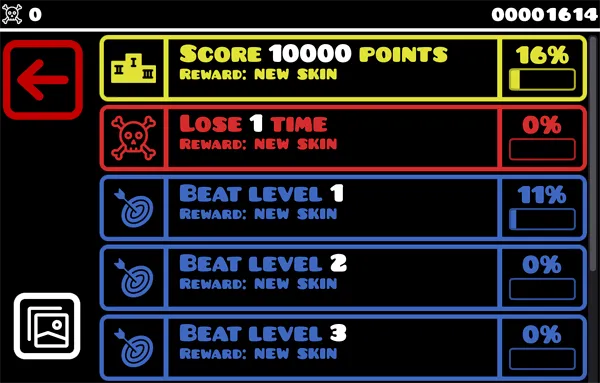
Reach the portal and unlock rewards
Guide your character to the exit portal without touching hazards. One hit restarts the stage. Clears unlock skins, particles, and achievements. Retry tough maps with the other character for a new timing challenge.
FAQs about Geometry Arrow 2
Yes. Geometry Arrow 2 on spacewaves2.net opens in a browser tab at no charge. No download or account is required to start a stage.
Both games include six rhythm stages, but the sequel adds wheel mode, jump pads, orbital track sections, cosmetic unlocks, and achievement goals alongside the returning arrow flight controls.
Arrow mode uses hold and release on Spacebar or the mouse button to fly up and down. Wheel mode uses clicks or taps to jump. Mobile players tap the screen in sync with the beat.
There are six handcrafted stages, each with its own music track and portal finish. Difficulty rises as you move through the set.
Yes. Progress unlocks skins, particle effects, and block texture options. Achievements mark extra milestones as you clear stages and improve your timing.