




Press Play above to load Geometry Arrow inside this page. Choose one of the six levels from the stage list. Level 1 is the best place to learn the arrow rhythm before you jump into faster maps.
What's Geometry Arrow game?
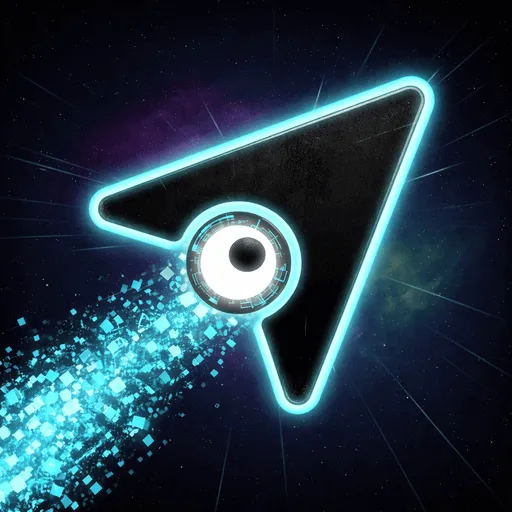
Geometry Arrow is a rhythm driven flight game built around a glowing triangular arrow and six handcrafted neon stages. You move on a diagonal zigzag path through spike fields and sliding blocks, trying to reach the finish gate without a single scrape. The music, obstacle placement, and speed changes are tied together, so runs feel less like random reflex tests and more like learning the beat of each corridor.
Visuals stay sharp and minimal: high contrast colors mark safe lines and danger zones, while the arrow leaves a clean trail when your timing is right. Early stages leave room to learn how the arrow rises and falls. Later ones stack tighter turns, faster pulses, and moving geometry that punishes hesitation.
There are six levels in total, each with its own pace and personality. They move from a gentle opening rhythm through faster dances and chaotic spike layouts toward a final stage that expects near perfect input. You can replay earlier maps to warm up before pushing into the hardest gate.
The six Geometry Arrow stages
- Level 1: Opening rhythm with wider gaps to learn the basic zigzag.
- Level 2: Faster motion and shorter reaction windows.
- Level 3: Tighter spike clusters that reward planned holds instead of panic clicks.
- Level 4: Rapid directional shifts where audio cues matter as much as visuals.
- Level 5: Dense obstacle mixes that test focus under heavy tempo.
- Level 6: The final push with the smallest margins and highest speed.
Click, hold, and release
Input rules are simple, but the ceiling is high. The arrow always travels forward while you control its vertical wave.
- Click or hold the left mouse button or Spacebar to push the arrow upward on a diagonal line.
- Release to let it fall back toward the lower path.
- A long hold keeps the arrow riding the upper line through a tall section, similar to gliding under a ceiling gap.
- On mobile, tap and hold the screen to rise, then lift to drop with the same logic.
Sound, motion, and reading the matrix
Many obstacle bursts land on beats in the soundtrack. When your taps line up with that pulse, corrections feel early instead of late. Players who only stare at the arrow often crash on moving blocks they heard coming a split second before they saw them.
Some walls shift position mid run, and spike rows can close a lane without much warning. The path from start to finish is fixed per level, so repetition teaches exact spacing. One mistimed release sends you back to the start of the stage with no checkpoint, which keeps every attempt sharp.
Rhythm tips that actually help
- Replay Level 1 and 2 when a later stage keeps breaking your run. Muscle memory from easier maps carries upward.
- When the tempo spikes, shorten your holds instead of clicking faster at random.
- Watch the next gap, not the arrow tip. Your hands need lead time for diagonal corrections.
- Stay calm during chaotic sections. Jerky input usually hits a spike before smooth input does.
Related arcade pages on spacewaves2.net
If Geometry Arrow fits your timing, these other listings use different movement rules but similar focus demands:
- Geometry Games for more reflex titles in this directory.
- Wave Dash for procedural zigzag tunnels with tap steering.
- Space Waves 2 for thirty three selectable neon wave stages.
- Space Waves homepage for the main browser play hub.
How to Play Geometry Arrow
1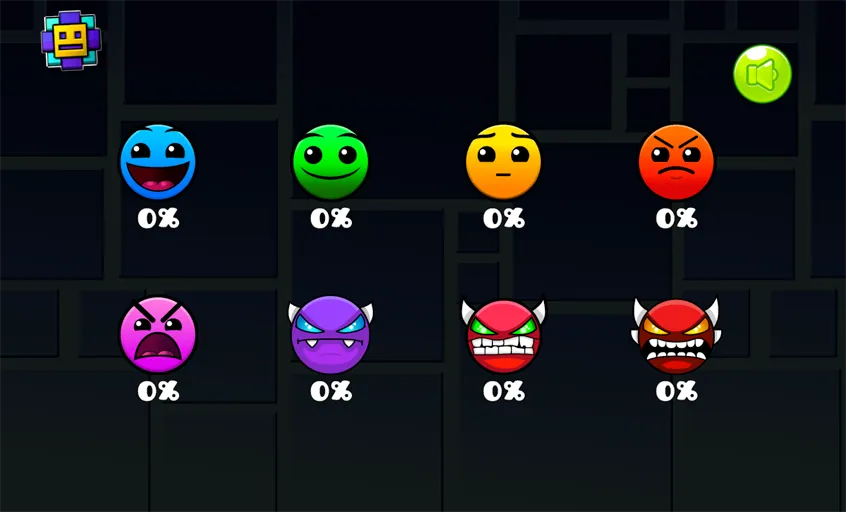
Pick a stage and press Play
2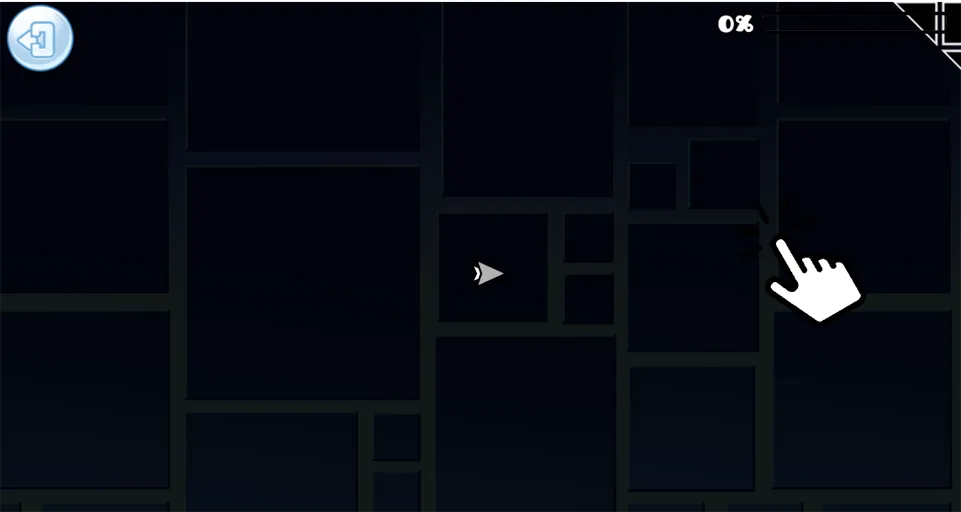
Steer the arrow on the beat
Hold the left mouse button or Spacebar to send the triangular arrow upward on a diagonal path. Release to drop. Match your taps to the pulse of the level when spikes and moving blocks start clustering together.
3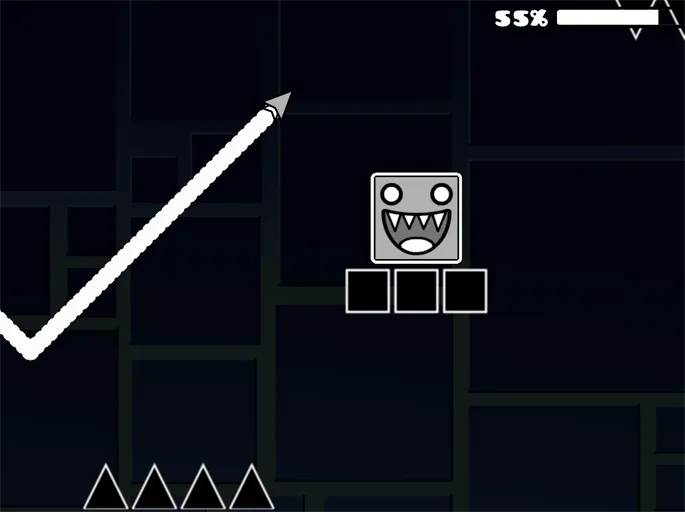
Reach the finish gate intact
Guide the arrow from the start marker to the finish without touching walls, spikes, or sliding blocks. One hit resets the entire stage. Repeat the same level until the obstacle order feels predictable and your line stays clean through the tightest turn.
FAQs about Geometry Arrow
Yes. Geometry Arrow on spacewaves2.net opens in your browser at no cost. No download or account is required to start a stage.
There are six handcrafted stages. Difficulty rises from the opening rhythm map through faster layouts to a final high speed gate.
Click or hold to push the arrow upward on a diagonal line. Release to let it fall. Spacebar and mouse clicks work the same way on desktop, and touch hold mirrors that on mobile.
No. Any collision restarts the full stage from the beginning, even if you were close to the finish gate.
You can clear stages with visuals alone, but obstacle bursts often align with the soundtrack. Listening helps you anticipate spikes and moving blocks before they fill the screen.